
Can I DJ on a Chromebook?
While appealing for their portability and cost, Chromebooks face significant limitations for serious DJing. While basic mixing is technically possible, a robust, performance-critical setup is not recommended due to inherent operating system and hardware constraints.
Chromebook OS & Software Compatibility
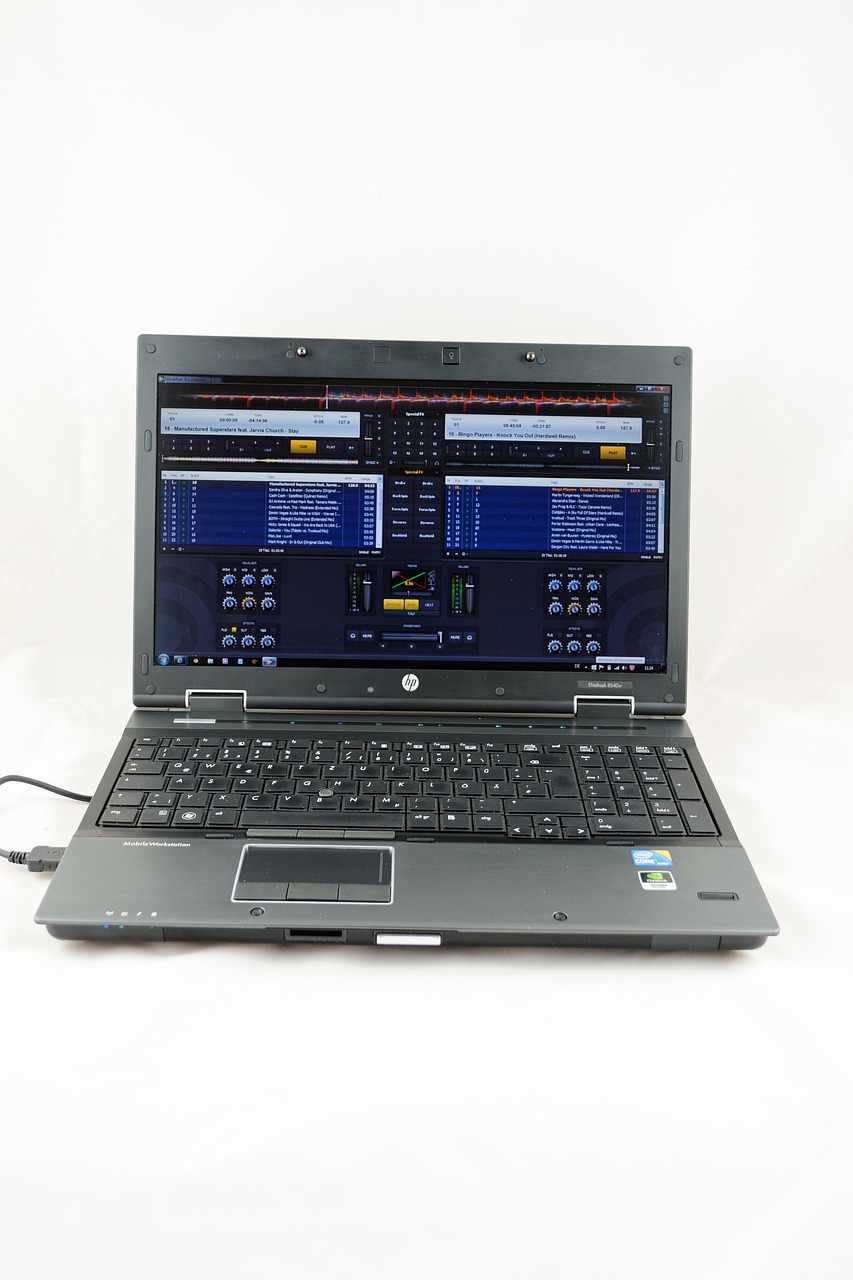
Chromebooks run Chrome OS, optimized for web applications. This means professional DJ software like Serato DJ Pro, rekordbox, Traktor Pro, and Virtual DJ desktop versions, built for Windows or macOS, do not run natively. Your primary options are restricted to web-based DJ applications such as djay.com or You.DJ.
Even with web apps, lower-spec Chromebooks can struggle with processing multiple audio streams and real-time effects, leading to audio dropouts, latency, and a poor user experience—critical for live performance. Advanced users might explore Linux application support (e.g., Mixxx via Crostini), but this often introduces complexity and performance issues.
Hardware & Performance Challenges
Connecting external DJ controllers presents another hurdle. While some web-based apps offer limited MIDI controller support, the seamless plug-and-play found on Windows/macOS is generally absent. Driver issues and inconsistent recognition are common, making reliable hardware integration difficult for most setups.
The DJ’s Choice: Opt for Dedicated Systems
For aspiring DJs needing a stable and professional setup, investing in an entry-level Windows laptop or a used MacBook is a far superior choice. These platforms offer native support for industry-standard DJ software and robust hardware compatibility, providing a reliable DJing experience that Chromebooks cannot match.