
Understanding “Redlining” on a Mixer
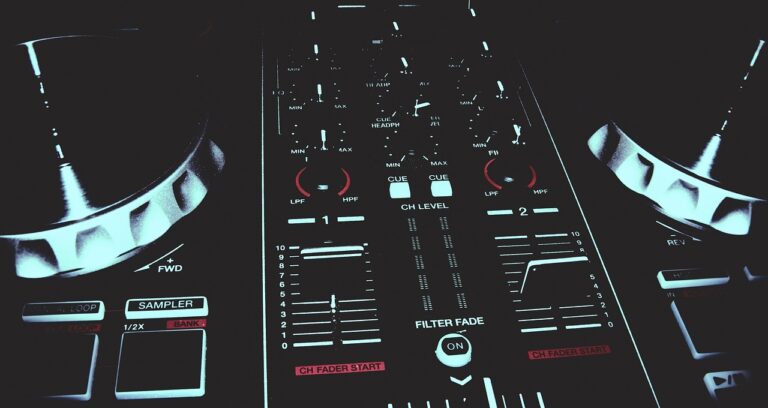
On an audio mixer, “redlining” refers to the illumination of red indicator LEDs, typically found next to channel faders or master output meters. This visual cue signifies that the incoming or outgoing audio signal is exceeding the optimal operating level, leading to severe signal overload. It’s a critical warning that your audio is too hot for the system.
The Causes of Redlining
Primarily, redlining occurs due to excessive gain or volume settings at various points in the signal chain. Improper gain staging—where individual component levels aren’t balanced throughout the audio flow—can easily lead to an input or output being overdriven. This often happens when input trim controls are set too high, pushing the signal past the mixer’s optimal operating range.
The Sonic Consequences of Redlining
The immediate result of redlining is audible audio clipping. This manifests as a harsh, distorted sound quality, a significant loss of dynamic range, and a compressed, unnatural tone. The signal literally “clips” off the top and bottom of the waveform, introducing unwanted harmonics. Prolonged clipping can strain connected amplifiers and speakers, potentially causing damage over time due to the introduction of DC components and excessive heat.
Preventing Redlining for Optimal Sound
To prevent redlining and ensure pristine sound quality, meticulous gain staging is crucial. Always set input levels so that meters peak comfortably in the green or yellow zone, leaving ample headroom (space before clipping). Regularly monitor your master output and adjust levels carefully to avoid hitting the red. Aim for a clean, undistorted signal path from source to output, preserving your audio’s fidelity and dynamics.