
Strategies for Heat Management
Shade and Placement
Protecting DJ gear starts with smart setup. Position all electronics, especially laptops and controllers, out of direct sunlight. Utilize canopies, pop-up tents, or large parasols to create essential shade. Avoid placing equipment on dark, heat-absorbing surfaces or near reflective objects that intensify solar radiation. Elevating gear slightly can also improve under-device airflow, reducing heat buildup.
Enhance Airflow and Cooling
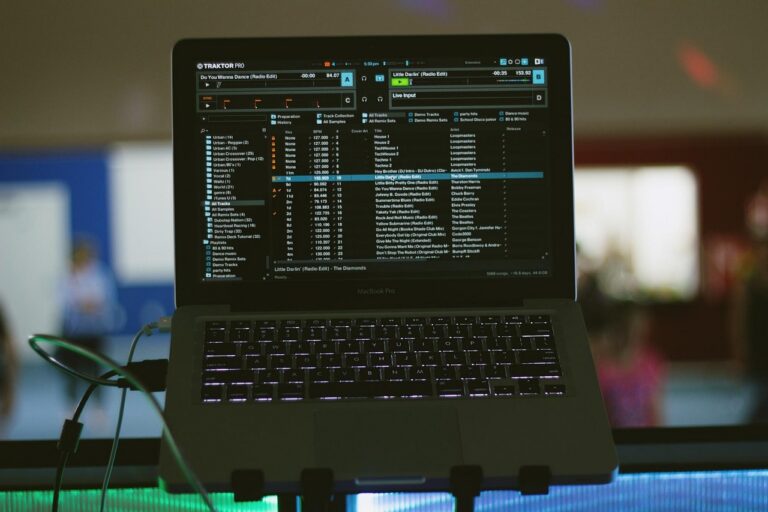
Optimal ventilation is crucial for preventing DJ electronics from overheating. Ensure all equipment vents are unobstructed. Consider portable USB or battery-powered fans directed at critical components like amplifiers, mixers, and laptops. Cooling pads specifically designed for laptops are highly effective. Maintain clean cable management to prevent air restriction and potential heat traps around your gear.
Monitor and Maintain
Regularly check the temperature of your devices. Overheating can lead to performance issues or permanent damage. Before each outdoor gig, ensure all vents are dust-free. If temperatures rise significantly, take short breaks if possible, or have backup equipment ready. Understand your gear’s operational temperature limits to ensure reliable performance during summer events.
To protect DJ electronics from overheating during outdoor summer gigs, always provide shade, ensure ample airflow with external fans, and regularly monitor equipment temperatures.